


A button that fits your store
It uses your store’s font. You pick the colors. Try one.
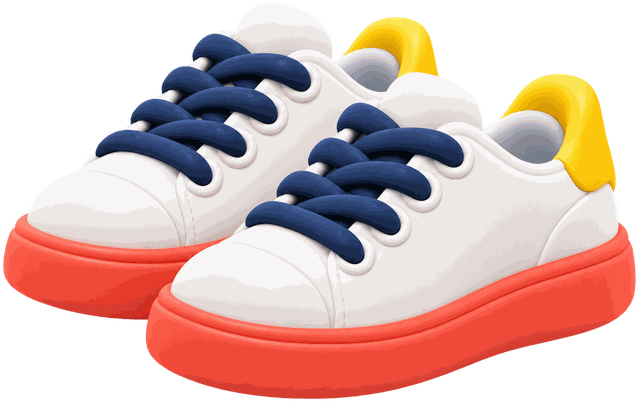
Cloud Hop sneakers
$84.00
Sold out Notify meSold out? Shoppers tap “Notify me.” When it’s back, they get one email.
For Shopify. No code, confusing automations, or surprise charges.
Coming soon to the Shopify App Store.




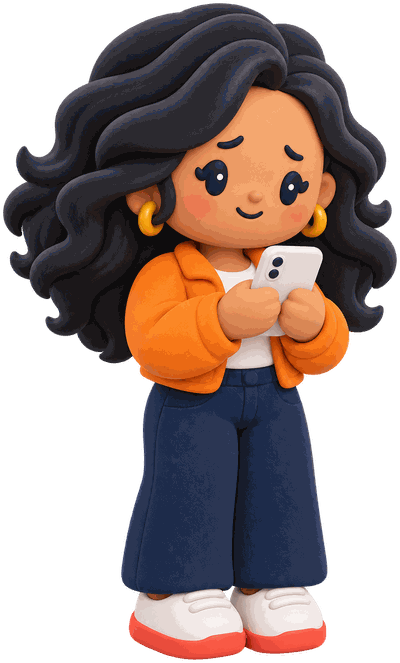


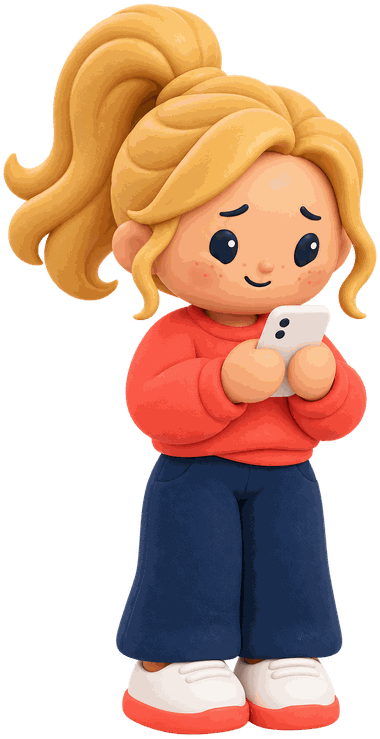





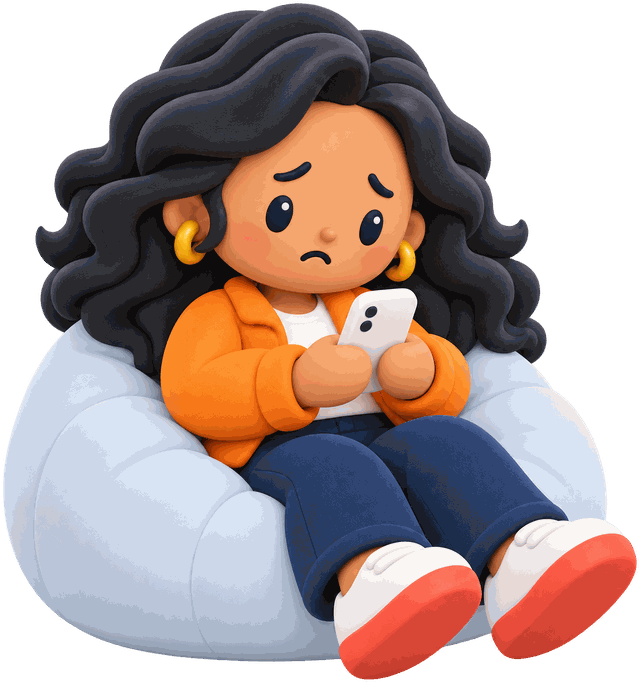
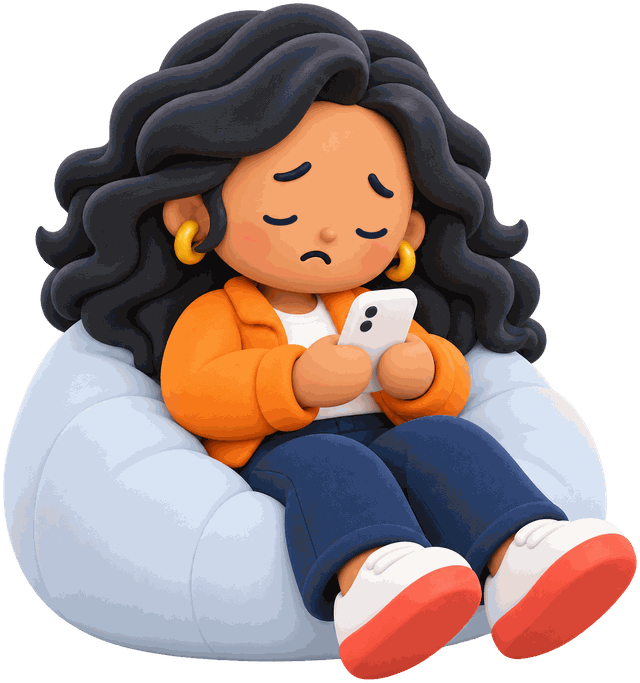
Her size is sold out. She leaves her email.
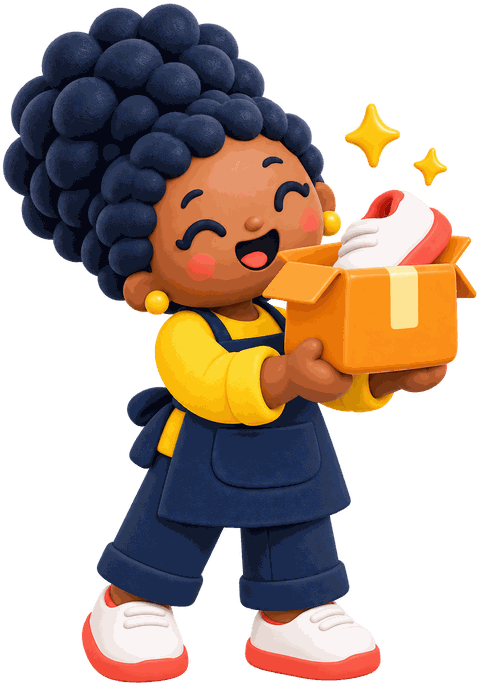
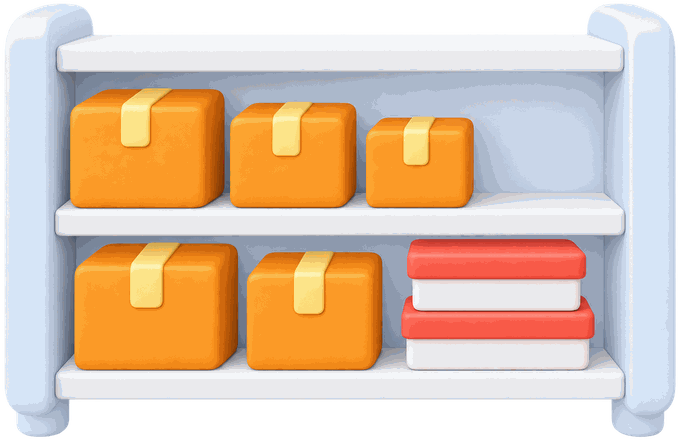
Add stock in Shopify, like always.
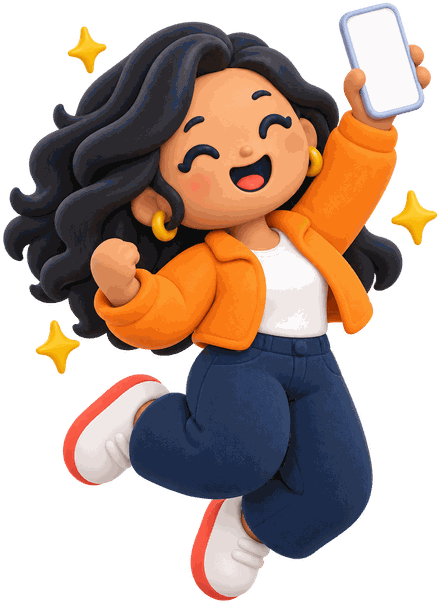
Right when it’s back. She comes back and buys.


Cloud Hop sneakers
$84
You’re on the list.
Good news! Your sneakers are back.
Grab them before they’re gone.
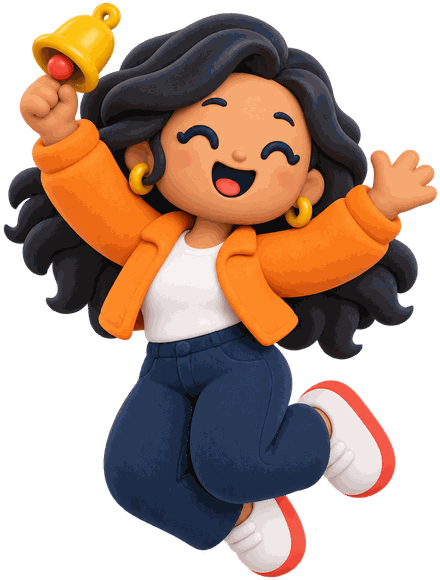
Bought! See you soon.




Cloud Hop sneakers
In stock0

Tap “Notify me”
It uses your store’s font. You pick the colors. Try one.
Cloud Hop sneakers
$84.00
Sold out Notify meEdit it. Preview it. Send a test.
Subject
Good news! Your sneakers are back.
Message
Grab them before they’re gone.
Good news! Your sneakers are back.
Grab them before they’re gone.
Shop nowSee who’s waiting for what.
| Shopper | Product | Status |
|---|---|---|
| j•••@example.com | Cloud Hop, 9 | Waiting |
| m•••@example.com | Canvas tote | Waiting |
| a•••@example.com | Cloud Hop, 7 | Alert sent |
| r•••@example.com | Coral hoodie, M | Waiting |
Estimated from shoppers who bought within 30 days of their alert.
Alerts sent
36
Sales from alerts
$252
estimated
Example data.
Start free. Upgrade any time.
$0forever
1,000 alerts a month
$5every 30 days $50a year
Unlimited alerts
Billed through Shopify. No setup fees. No surprise charges.
A sold-out item shows a “Notify me” button. Shoppers leave their email. When that exact item is back and can be bought, they get one email.
No. Turn on ShelfBell in your theme editor. It takes two clicks.
Most Shopify themes. Not sure about yours? Email us and we’ll check.
On Free, after 1,000 alerts in a month, new sign-ups and alerts pause until the 1st of next month. Everyone already waiting stays on the list and gets their alert after the reset if the item is in stock. On Grow, alerts go out right away up to 10,000 a month, then up to 100 a day. We never charge you or upgrade you automatically.
Yes. Change the words, see a live preview, and send yourself a test.
Yes. They sign up themselves, and we keep a record of it. Their email is used only for that alert and to count your sales from it. Every alert has a one-click unsubscribe, and we delete their email 30 days after the alert is sent.
Yes. Download it as a CSV in the app.
Alerts stop and billing ends. We keep your waitlists for 48 hours, then delete them.

